
System Data
caches, logs, snapshots, temp files
Hidden system folders that won't explain themselves.
ScanMyDisk is a visual disk space analyzer. It maps large files, duplicates, caches and cleanup opportunities so you can see what is using the disk. Early-bird lifetime access is $5.00 for the first 20 licenses, then $9.99.
Prices in USD. Final currency, fees and tax confirmed at checkout.
Available now: Windows 10 & 11
Coming soon: macOS
100% private: scanning stays on your device
Early-bird Lifetime Licence
$5.00 once · then $9.99
Clean & Verified
Safe Windows installer
100% Local Processing
No uploads, no cloud
Fast Native Engine
Windows 10 & 11 (64-bit)
Where the space goes
The biggest files hide in folders you rarely open. Scan My Disk finds them in one scan.
caches, logs, snapshots, temp files
Hidden system folders that won't explain themselves.
Visual Studio, Gradle, old installers
Every build leaves gigabytes behind. Safe to clear once reviewed.
Docker Desktop VHDX
One virtual disk file that can quietly grow to tens of gigabytes.
one in every repo you've cloned
Hundreds of copies across old projects. Find them in one scan.
photos, videos, downloads
Same file, multiple copies. Keep the keeper and delete the rest.
AppData and ProgramData
Uninstalling an app often leaves residual caches and telemetry.
Complete Toolkit
Explore your storage visually, review staged cleanup, and keep track of your Windows PC.
Scan your full PC, your user profile, or any custom folder. Explore an interactive treemap sized strictly by disk usage, inspect individual files, and review selected items in Cleanup Queue before removing them.
How it works
Nothing is deleted until you look, review it, and confirm.
Read every directory, including the protected AppData and system locations where junk and caches pile up.
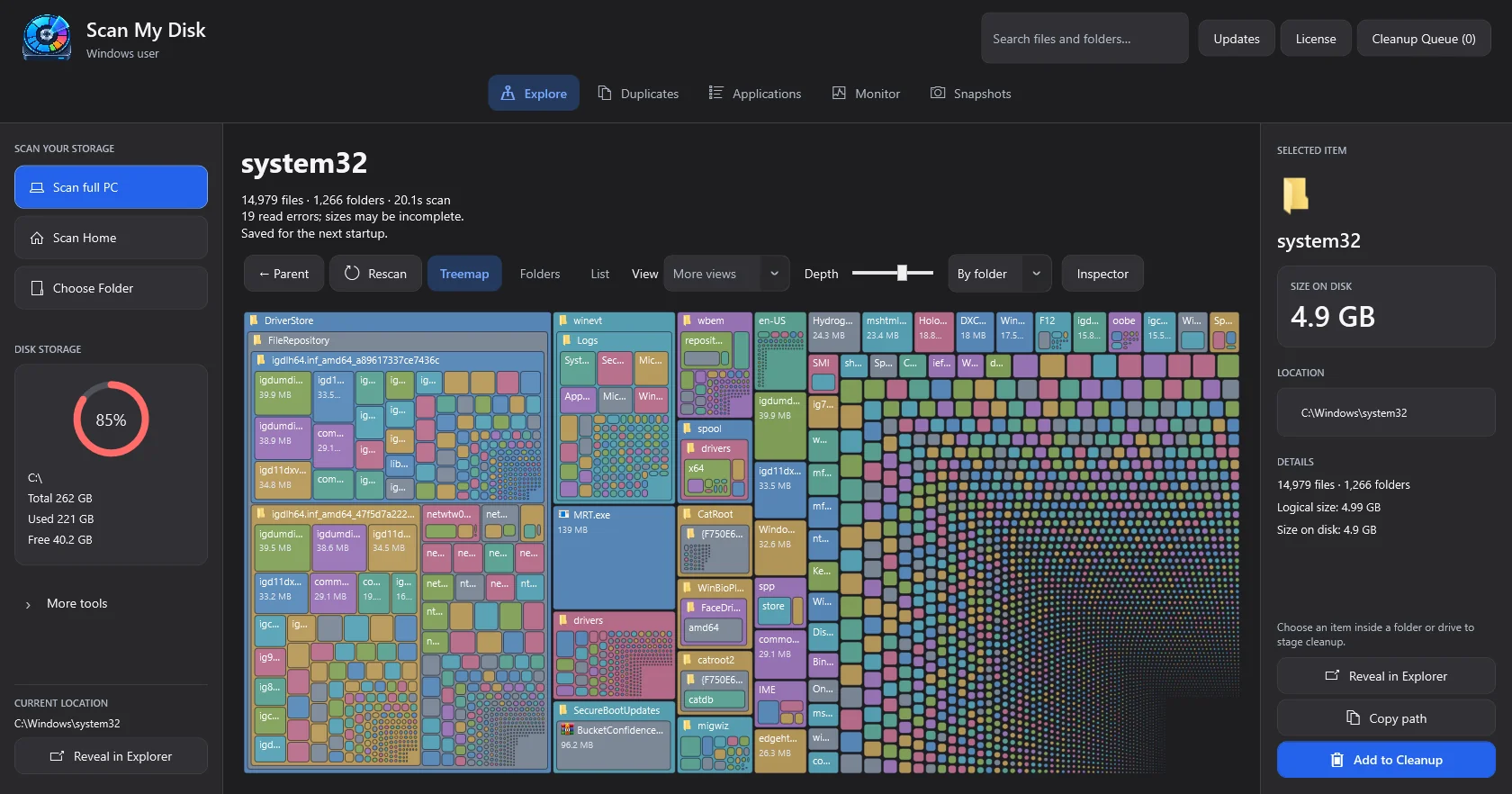
Every folder is drawn as an interactive block sized by disk footprint. Zoom in, search, or toggle between 8 distinct visual views.
Move junk to the Recycle Bin, drop duplicate copies, or run cleanup presets. Nothing is deleted until you review and confirm.
Early bird: $5.00 for the first 20 licenses. Then $9.99. No renewal.
$5.00 for the first 20 licenses, then $9.99
Updated automatically after successful purchases.
$5.00
First 20 licenses
$9.99
After that
Personal license for 1 Windows PC
$5.00Price after the early-bird offer $9.99
One-time payment · no subscription
License key delivered by email · 15-day refund guarantee
Available now for Windows 10 & 11. macOS version coming soon.
Prices in USD. Final currency, fees and tax confirmed at checkout.
Visualizations
Eight views from the same scan. Open a folder, find the largest files, or sort by age.
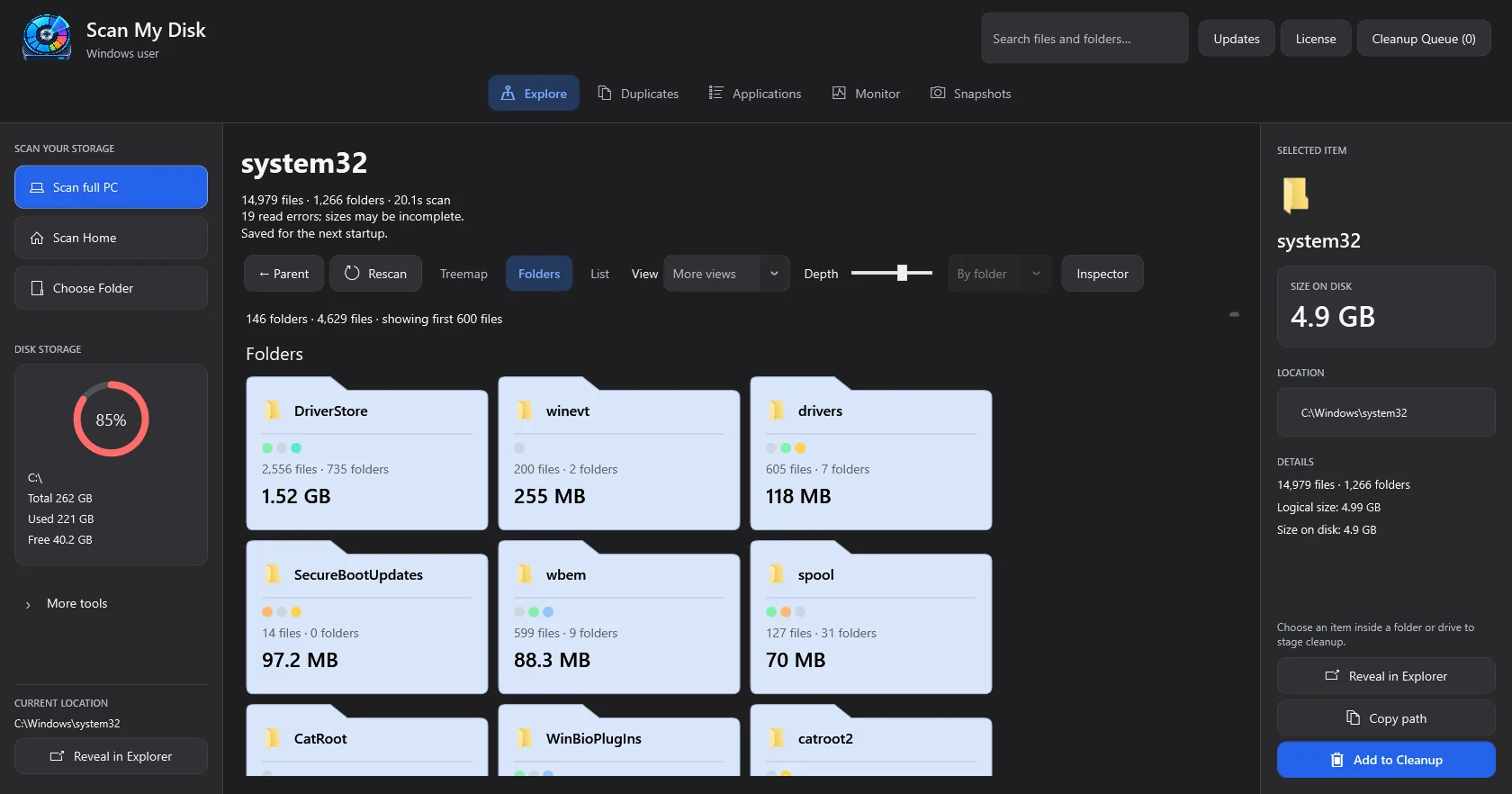
Browse folder cards with their sizes and item counts, then open a folder to explore deeper.
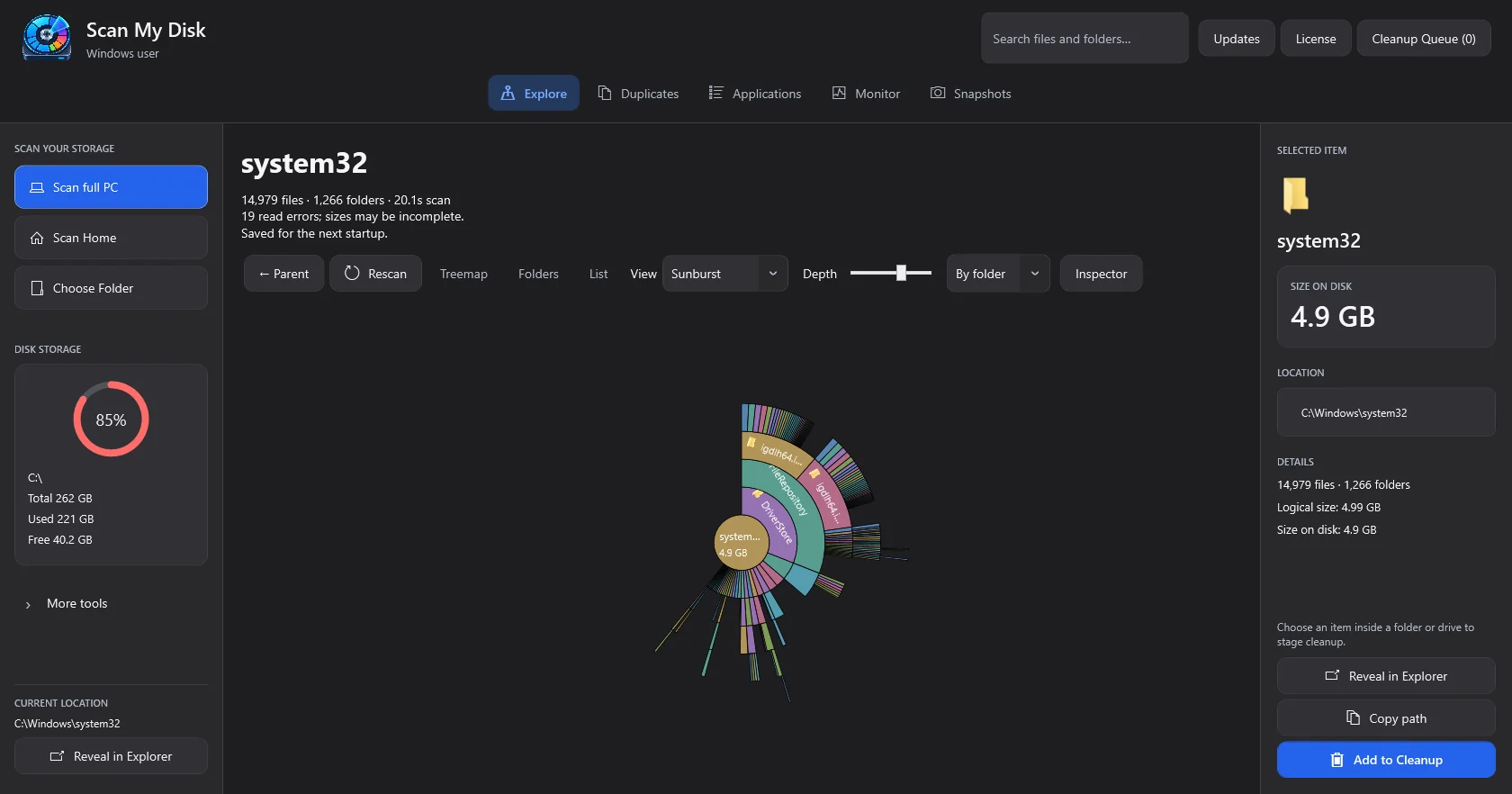
Rings radiating from the scan root so nested weight is obvious at a glance.
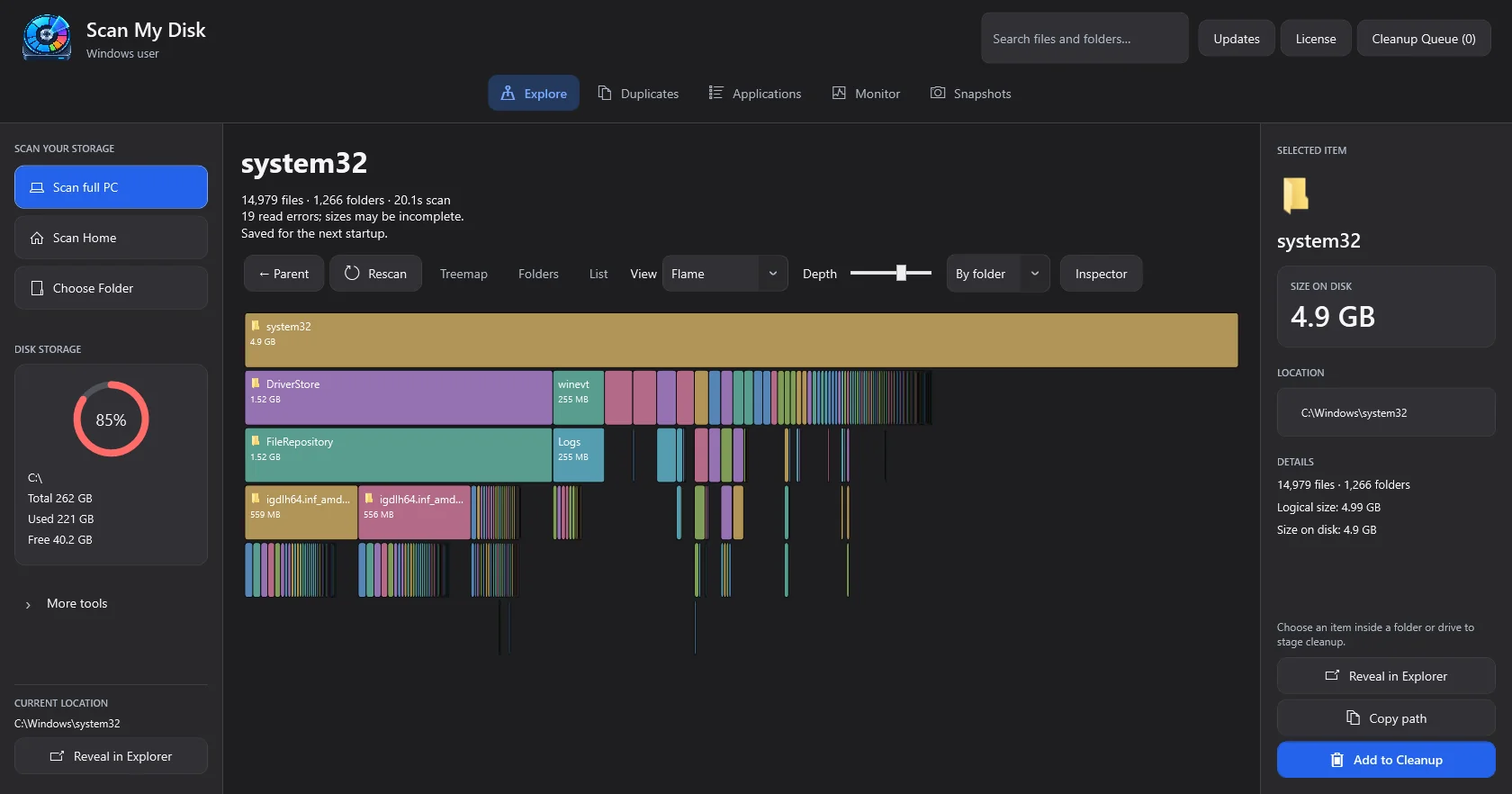
Follow stacked folder levels, with wider blocks showing where more disk space is used.
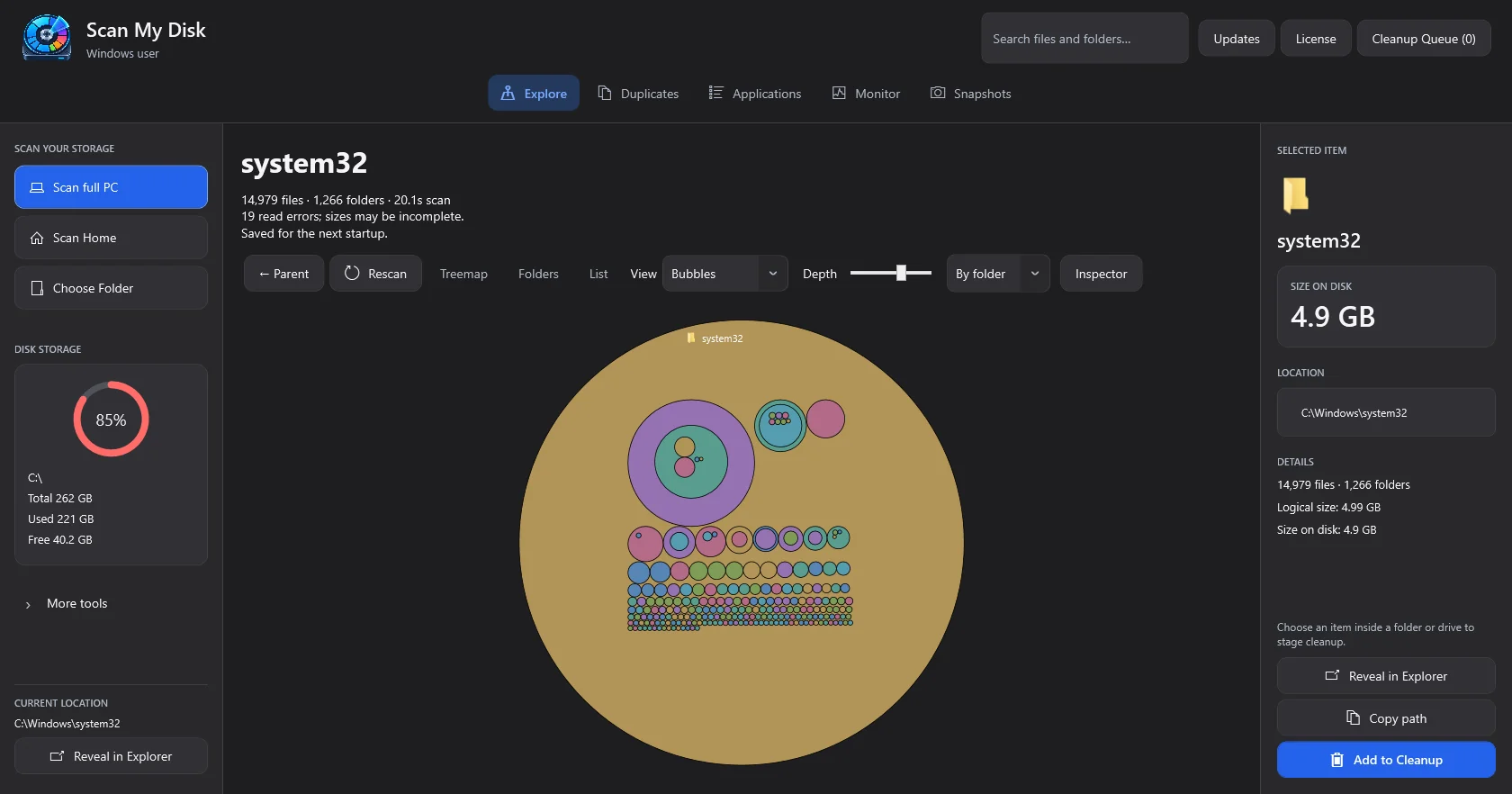
Compare relative sizes with nested circles. Large circles make the biggest items stand out.
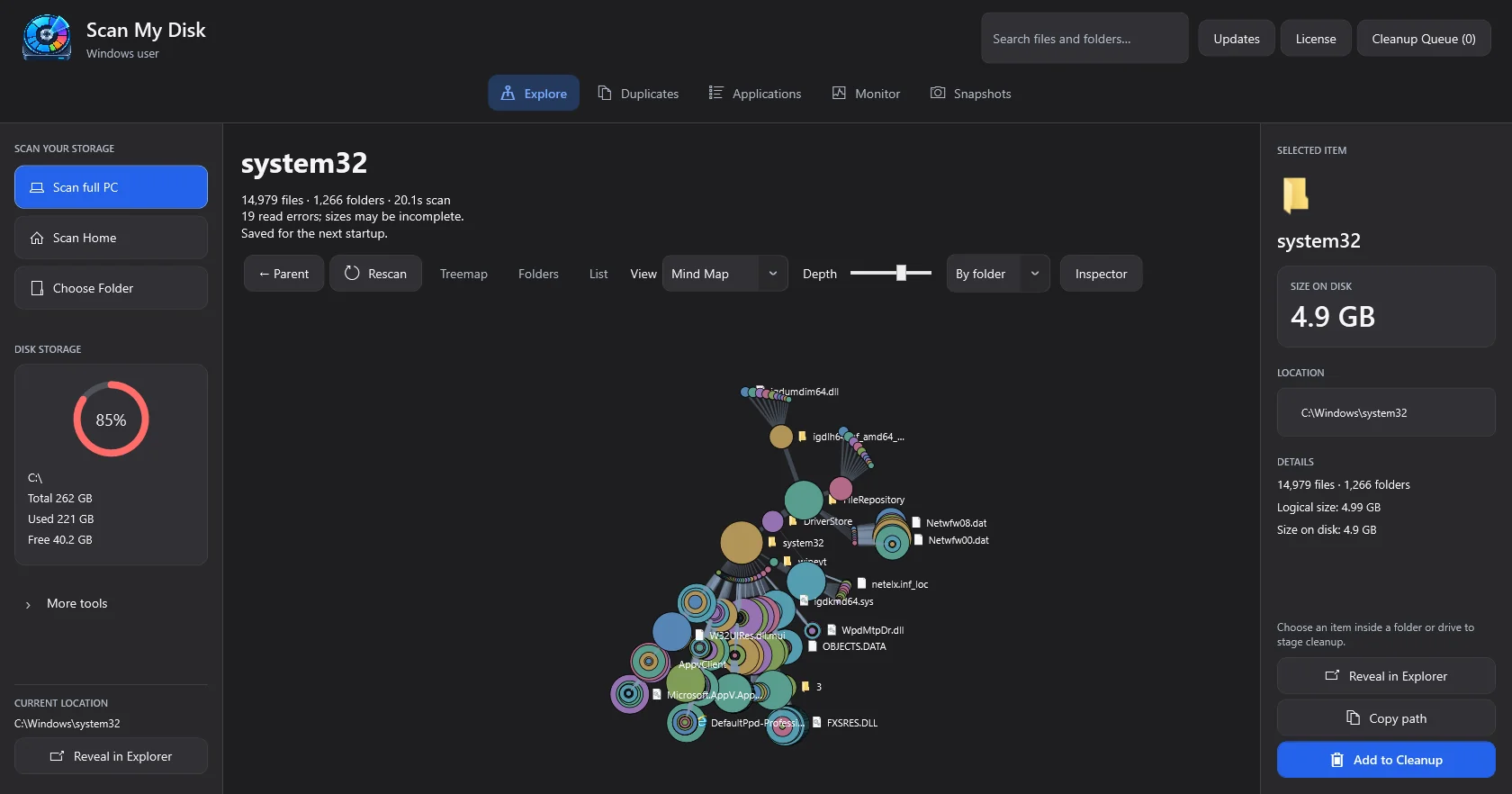
Follow branches from your scan root, with dots and links showing relative storage weight.
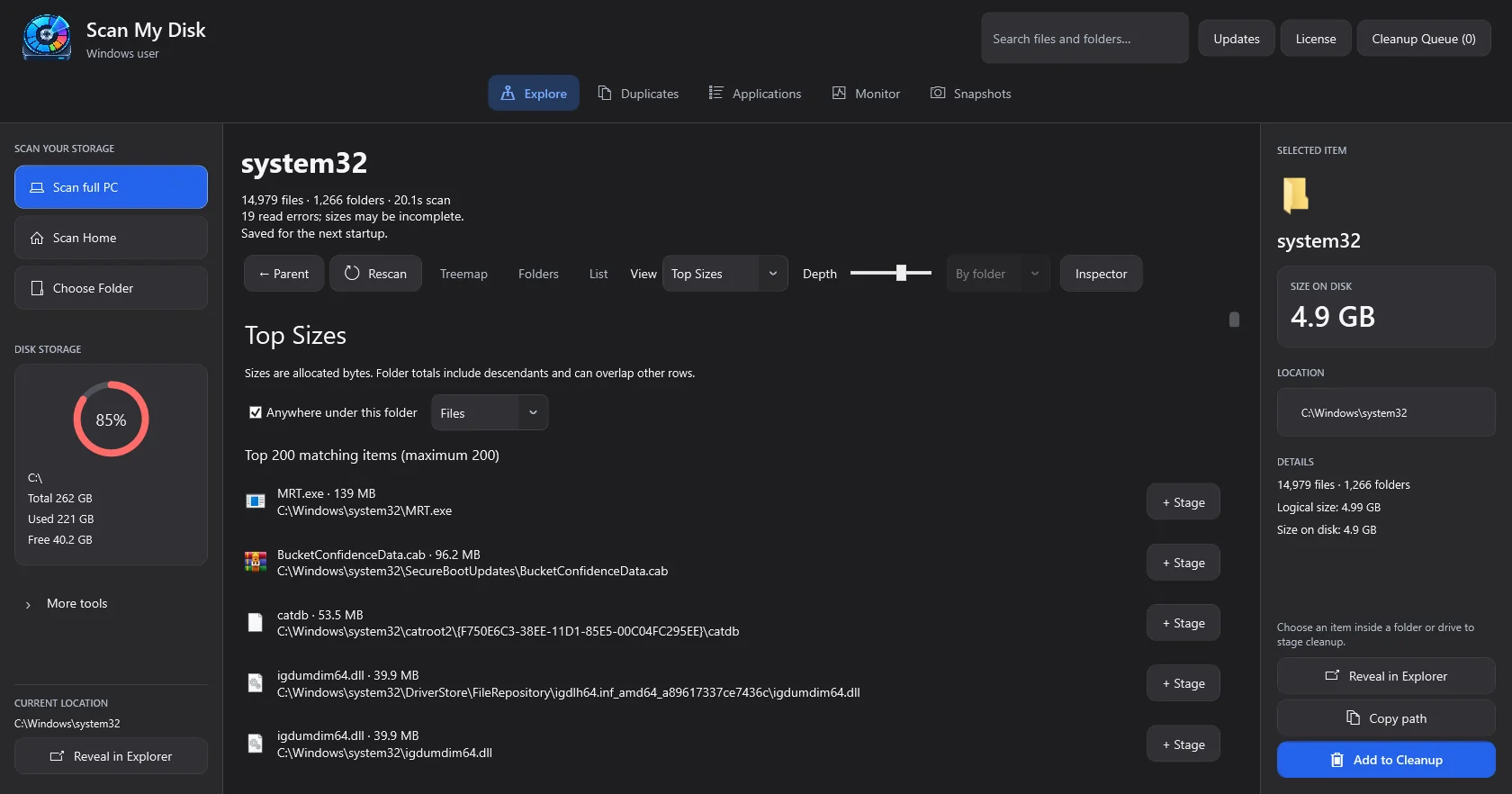
The biggest items, ranked. Skip the hunt and start with the worst offenders.
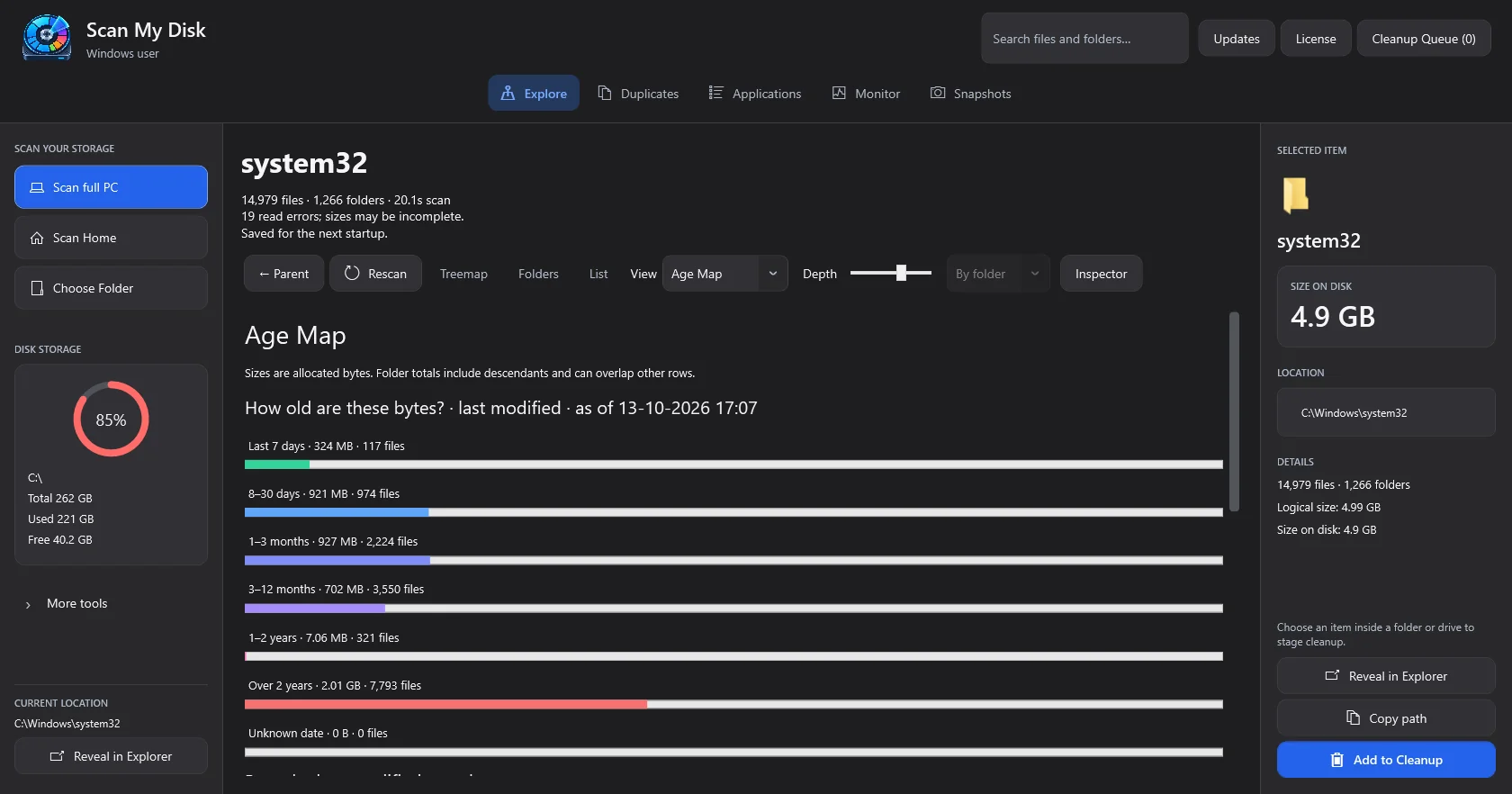
Group storage by last-modified date and review large, older files. Age reflects modification, not last access.
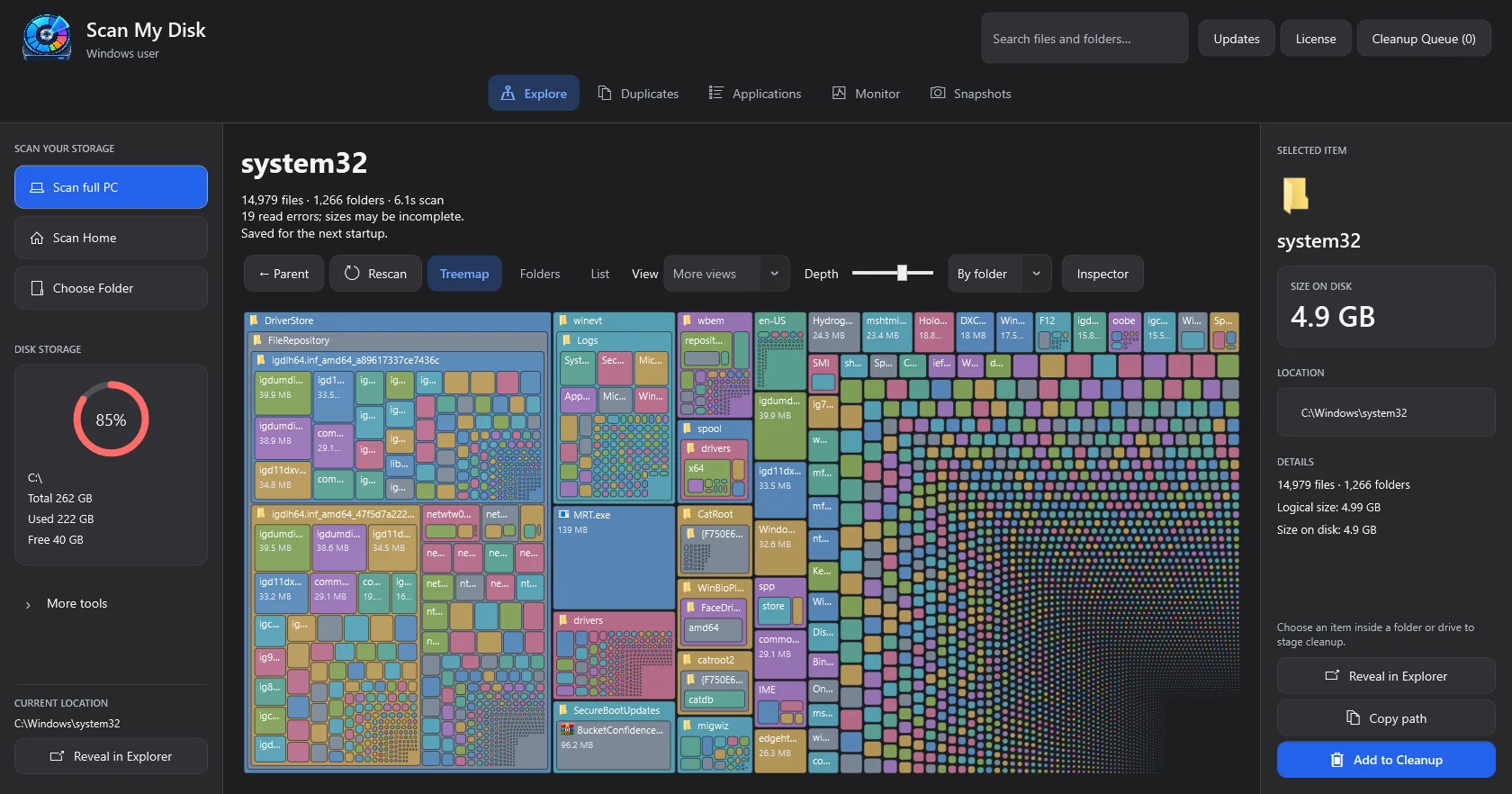
See nested files and folders as rectangles sized by disk usage. Select a block to inspect it.
Yes. ScanMyDisk is currently available for Windows 10 and Windows 11.
The macOS version of ScanMyDisk is currently in development and coming soon.
ScanMyDisk helps users visualize disk usage, identify large files and folders, find duplicates, inspect storage-heavy files and understand what is consuming disk space.
No. Disk scanning and analysis are designed to run locally on the user’s device.
It scans a drive or folder and maps every byte, then gives you eight ways to look at the result — folders, sunburst, flame, bubbles, mind map, top sizes, age map and treemap. From there you can find duplicates, compare saved scans, run a cleanup preset, uninstall leftovers, or stage files for review.
No. Buy a lifetime licence and the key shows on the next screen. Install the Windows app and paste the key on first launch.
One PC at a time. Deactivate on the first machine, then activate on the next. Fourteen days offline grace if you forget.
No. Scanning, hashing, and duplicate matching all run locally on your PC. File names never leave the machine.
15-day money-back guarantee. Email support@scanmydisk.com.
One payment, yours for good. No subscription, no account required, and your files never leave your PC.
Get Scan My Disk Pro · $5.00One-time payment · Lifetime licence, no recurring fees